Concept mapping for complex topics
Map concepts, relationships, and hidden connections
Use StitchGraph as a concept map maker when you need more than a simple list. Show hierarchy, connect related ideas across branches, and keep the structure readable as topics grow.
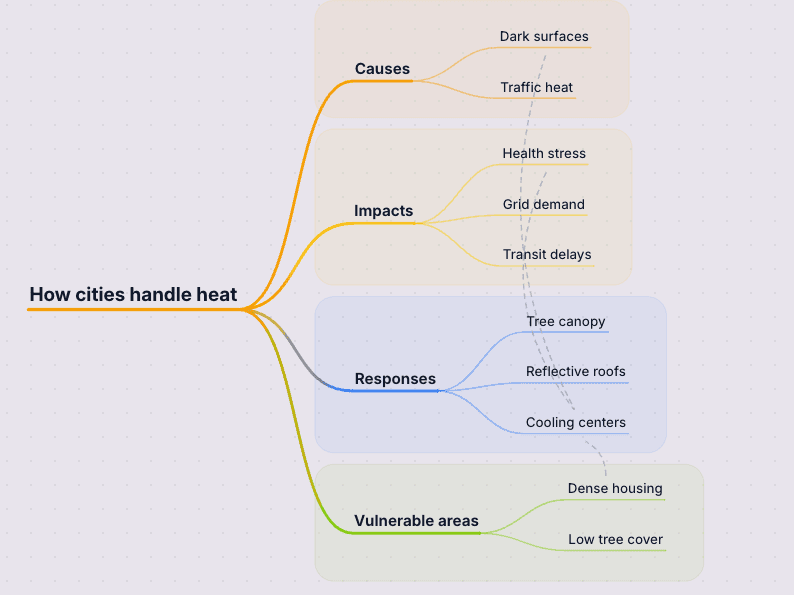
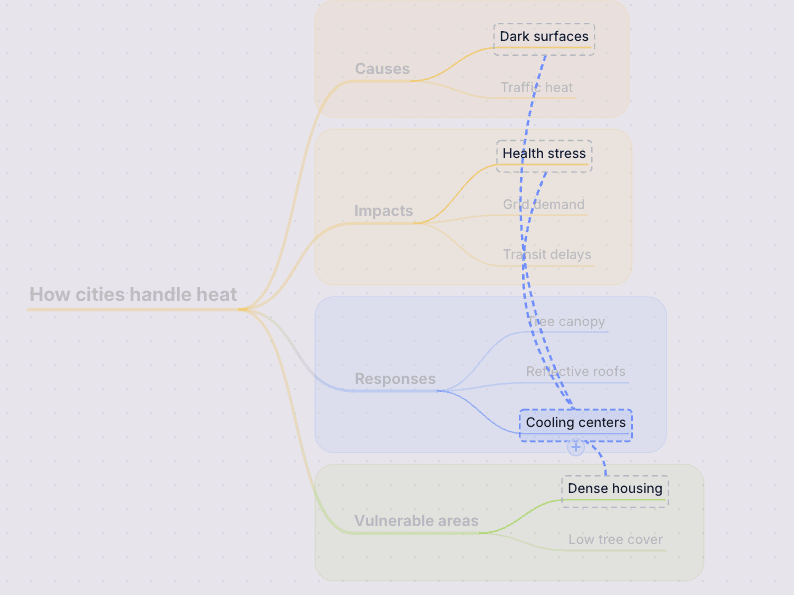
See hierarchy and cross-links in the same view when the connections between ideas matter as much as the ideas themselves.
Step 1
Define the central concept
Start with the main theory, system, or unit you need to explain, then generate the first layer of connected concepts.
Step 2
Add relationships that matter
Add major branches, then cross-link ideas where cause and effect, dependencies, or shared evidence matter more than a simple tree.
Step 3
Use it to explain, teach, or review
Share the live map or export it when you need a concept overview for class prep, documentation, onboarding, or review sessions.
Why this works in StitchGraph
StitchGraph gives you a fast path from raw input to a usable visual map, without forcing you to stay inside the AI output.
Cross-links make related concepts visible without flattening everything into one list.
A denser map stays readable because hierarchy and relationships can coexist on the same canvas.
The result works as both a study aid and a clean visual for teaching or documentation.
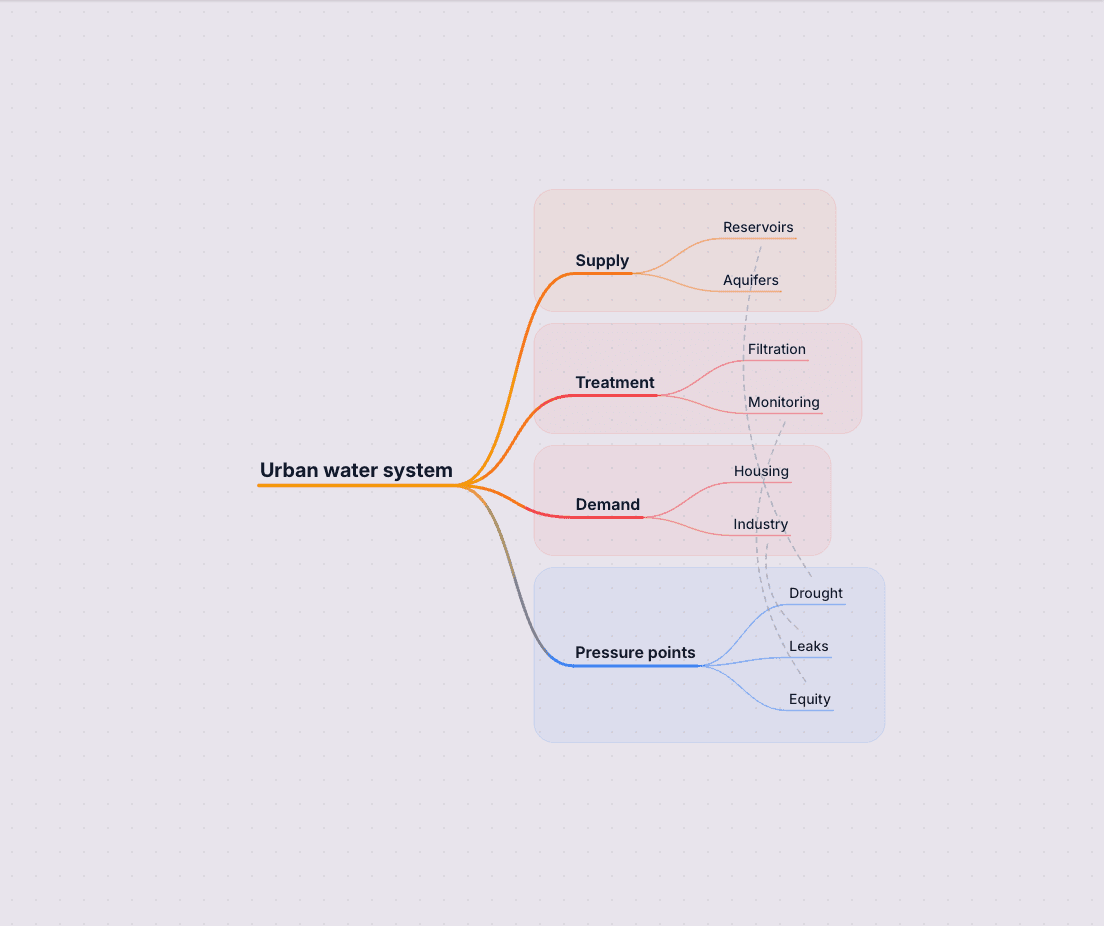
- Add cross-links between branches when one idea supports, contradicts, or depends on another.
- Use focus mode to isolate one theory, subsystem, or lesson path without losing the full concept map.
- Pan and zoom on an infinite canvas as the topic grows from a simple hierarchy into a denser relationship model.
- Export clean visuals for class materials, architecture docs, or study packs.
See complex ideas clearly
Follow cross-links, dependencies, and supporting ideas without losing the shape of the map.
Map hierarchy and cross-links together
Concept maps need more than parent-child branches. StitchGraph lets you show hierarchy and cross-links in the same view so causes, dependencies, and related ideas stay visible.
Start from a reading, lecture, or system brief
Paste source material to generate the first concept structure, or build node-by-node when you need precise control over how ideas connect.
Keep dense subjects teachable
Focus mode, deliberate layout, and clean exports help you turn a dense subject into something you can explain, teach, or review without losing the relationship model.
Cross-links and relationship control
Connect ideas across branches so dependencies, supporting evidence, and related concepts stay visible in the same map.
Focus mode for dense structures
Isolate one theory, subsystem, or lesson path without losing the broader concept map around it.
Exports for teaching and documentation
Share clean visuals for class material, architecture docs, study packs, and review sessions.
Concept map questions people usually have
See how concept maps differ from mind maps, when AI helps, and how to keep the connections true to the topic.
What is the difference between a concept map and a mind map?
A mind map usually starts from one central topic and branches outward. A concept map often emphasizes relationships between ideas, including cross-links between branches. StitchGraph supports both patterns.
Can I use this for studying or teaching?
Yes. It works well for summarizing readings, organizing course material, teaching dense topics, and building concept maps that make relationships easier to recall.
Can I start with AI and still control the relationships myself?
Yes. You can generate the starting structure with AI, then edit the wording, branch order, and cross-links manually so the final map reflects how you actually explain the topic.
Start Your First Concept Map
The fastest way to see whether this fits your work is to create a free account and build one real map with your own notes.
Start Your First Concept MapKeep exploring connected ideas
If the map is turning into teaching material, deeper research, or a broader topic study, start with one of these.
Use AI chat, branch expansion, and descriptions to understand a topic visually.
Generate a structured mind map from a prompt, outline, or pasted notes.
Move from messy ideation to a usable map for planning and collaboration.
See how to build, refine, and share dense relationship maps in StitchGraph.